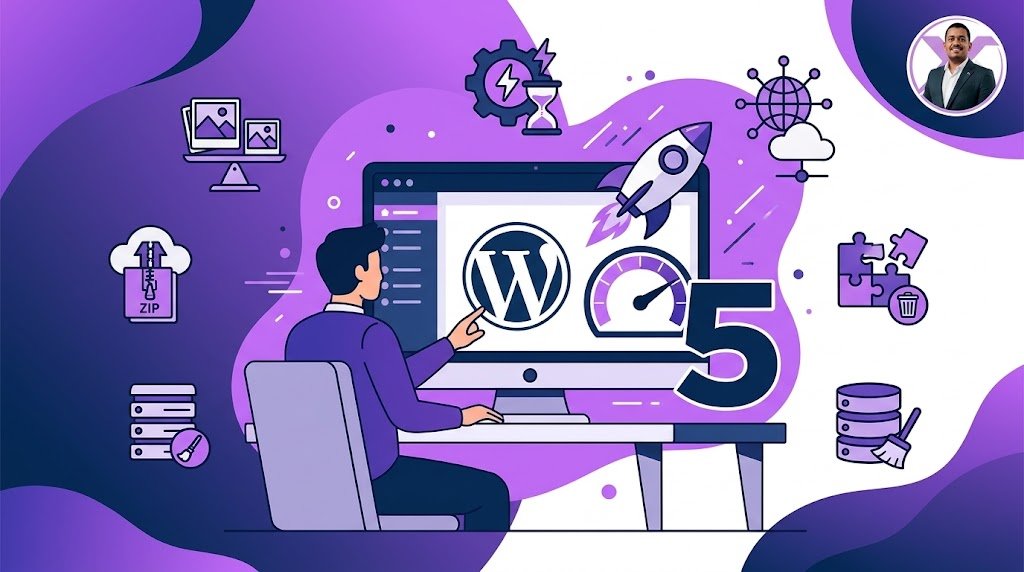
Website Performance Optimization: The Ultimate Guide
Learn how to master website performance optimization to make your site load in under 2 seconds. A fast site is critical for SEO and user experience.
We live in an era of instant gratification. If your website takes more than 3 seconds to load, your visitors are likely bouncing off to your competitors. In fact, studies show that a 1-second delay in page load time can reduce conversions by 7%. That is why **website performance optimization** is no longer optional; it's a fundamental requirement for survival in the digital landscape.

But performance isn't just about keeping visitors happy; Google uses Core Web Vitals as a direct ranking factor. Here is a comprehensive guide to optimizing your website's performance to ensure you stay ahead of the curve.
Core Pillars of Website Performance Optimization
1. Website Performance Optimization: Images
High-resolution images are usually the number one cause of slow websites. Always compress your images before uploading them. Use next-gen formats like WebP or AVIF, and implement lazy loading so images only load when the user scrolls to them.
2. Website Performance Optimization: Caching
Caching saves a static version of your website so the server doesn't have to process PHP code and database queries on every visit. Use browser caching and server-side caching (like Varnish or Nginx FastCGI cache) to deliver pages instantly.
3. Website Performance Optimization: CDNs
A CDN distributes your website's static assets across a global network of servers. When a user visits your site, the CDN delivers the content from the server closest to them, reducing latency. Cloudflare is an excellent free option for this.
4. Website Performance Optimization: Code Minification
Minification removes unnecessary characters (like spaces, comments, and line breaks) from your CSS and JavaScript without changing its functionality. This reduces file sizes and speeds up parsing. Most caching plugins handle this automatically.
5. Website Performance Optimization: Database
Over time, your database (especially in WordPress) accumulates overhead like post revisions, spam comments, and transient options. Clean up your database regularly to reduce its size and improve query speed.
Advanced Strategies for Speed
Beyond the basics, you should consider implementing a modern tech stack. For example, upgrading your server to use LiteSpeed Enterprise can drastically reduce Time to First Byte (TTFB). If you are running a highly dynamic site, consider Headless architecture or utilizing edge computing to serve static content instantly. You can read more about modern performance metrics on web.dev.
Another crucial aspect is auditing your third-party scripts. Tracking pixels, chat widgets, and external fonts can severely bottleneck your load time. Load them asynchronously or defer them until user interaction. Every millisecond counts when it comes to website performance optimization.
Final Thoughts
Performance optimization is not a one-time task; it requires ongoing monitoring and tweaking. By implementing these foundational strategies, you will not only rank higher on Google but also provide a seamless, frictionless experience that keeps your customers coming back for more.
Is your website underperforming?
I specialize in deep-dive performance audits and server optimization.