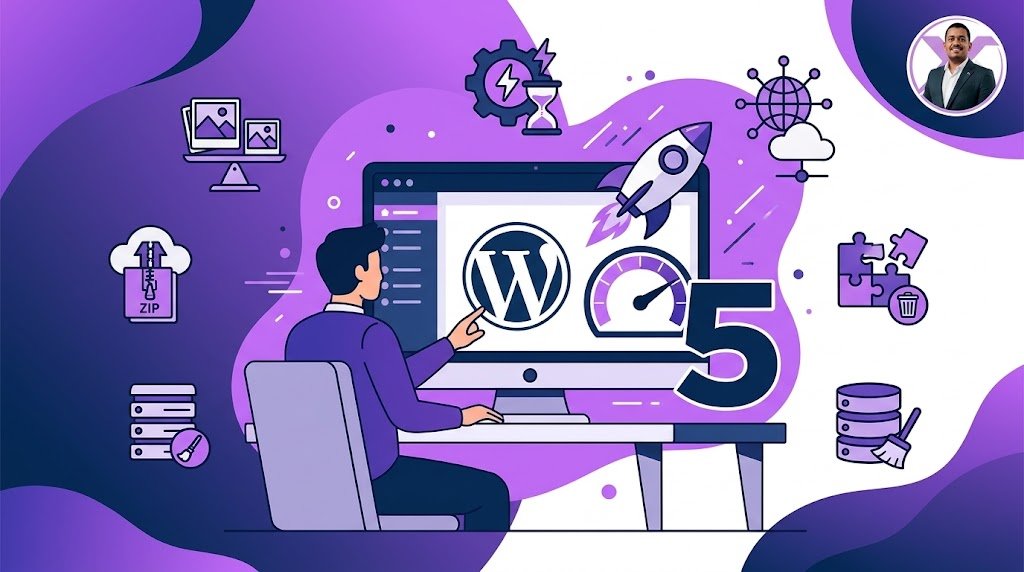
5 Quick Wins to Speed Up Your WordPress Site
A slow website frustrates visitors and hurts your SEO. Here are 5 practical steps you can take today to make your site load faster without writing a single line of code.
We've all been there: you click on a link, and you wait. And wait. Within 3 seconds, more than half of your visitors have already closed the tab. Speed is no longer a luxury; it's a necessity for user experience and Google rankings.
You don't need to be a developer to see a massive improvement. Here are 5 simple, high-impact steps you can take right now.
The 5 Essential Steps
1. Install a Caching Plugin
Caching creates static versions of your pages, so your server doesn't have to work hard on every visit. Plugins like WP Rocket or LiteSpeed Cache do this automatically.
2. Optimize Your Images
High-resolution images are the #1 cause of slow websites. Compress your images using tools like TinyPNG or use a plugin that automatically converts them to modern WebP format.
3. Clean Up Your Plugins
Every active plugin adds extra code and database queries. Deactivate and delete any plugins you are not actively using. Less code means a faster website.
4. Use a Content Delivery Network (CDN)
A CDN (like Cloudflare) stores copies of your website on servers around the world. When a user visits, they load the site from a server close to them, drastically reducing load times.
5. Update Your PHP Version
WordPress runs on PHP. Newer versions (like PHP 8.2 or 8.3) are significantly faster and more secure than older ones. You can usually change your PHP version with one click from your hosting dashboard.
Final Thoughts
Website speed isn't something you fix once and forget about. It's an ongoing process. By taking care of these basic foundations, you'll not only improve your Google rankings but also provide a much better experience for your customers.
Struggling with a slow website?
I can help you optimize your WordPress site for maximum performance.